Trusted by fund managers, fintech, and insurtech teams

Sunvest Digital – ClearDil client
Equitera – ClearDil client
Deslok International – ClearDil client
Corvus – ClearDil client
Clementer – ClearDil client
Sunvest Digital – ClearDil client
Equitera – ClearDil client
Deslok International – ClearDil client
Corvus – ClearDil client
Clementer – ClearDil client

How the KYC Flow Builder Works

Four steps from customer profile to completed verification — all inside the ClearDil portal.

Step 1

Run verification

Open the customer profile and click Run Verification. A side panel opens with your flow options.

Step 2

Generate the flow link

Select Generate verification flow link, choose checks and documents, and optionally trigger AML screening at creation.

Step 3

Send to your customer

Copy the link and share it via SMS, email, or WhatsApp. Each link is unique to that customer and flow — do not reuse it for someone else.

Step 4

Review results

When your customer finishes, verification outcomes and match details appear on their profile. Test scenarios in sandbox before going live.

ClearDil KYC Flow Builder – select verification types and documents for a customer flow

Configure Checks & Documents per Flow

Choose exactly what you need from each customer — government ID, liveness, proof of address, or corporate documents for KYB. Stack multiple steps into one flow so customers complete everything in a single session.

To speed up onboarding, trigger AML screening when the link is created so sanctions and PEP checks run in parallel with document collection.

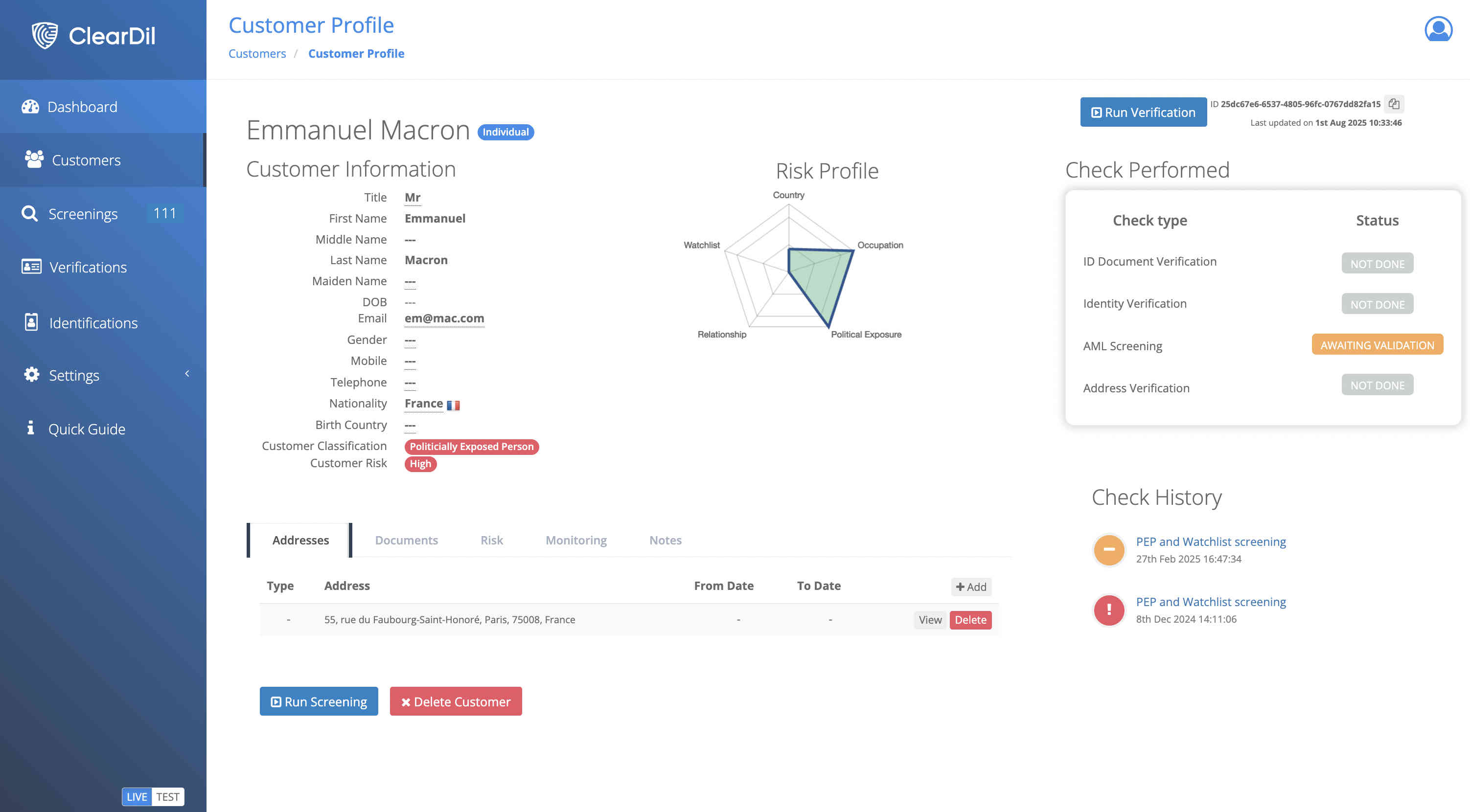
KYC verification results and risk profile on ClearDil customer profile

Verification Results in One Profile

Document verification, match reviews, and risk profile data land on the customer profile as soon as checks complete. No chasing files across tools — your compliance team has a single source of truth for every onboarding decision.

Use ClearDil's sandbox environment to walk through test scenarios before sending links to real customers.

What You Can Include in a Flow

Mix and match verification modules to match your regulatory requirements — from retail KYC to enhanced due diligence — without calling engineering.

Identity and document verification in KYC flow

Identity & Document Verification

Collect passports, national IDs, and supporting documents with ANSSI-certified checks.

AML screening in verification flow link

AML Screening

Screen against sanctions, PEPs, and adverse media when the flow link is created or when the customer submits data.

Biometric liveness and proof of address in KYC flow

Biometrics & Proof of Address

Add liveness detection, proof of address, and age checks to the same flow.

Fintech KYC flow link onboarding

Fintech – Onboard Without an Integration Sprint

Launch compliant customer onboarding while your API integration is still in progress. Send flow links from day one and switch to full API automation when ready.

Gaming player verification flow link

Gaming – Verify Players via Link

Send age verification and identity checks to players through SMS or email. Meet licensing requirements without a custom mobile app.

KYB business onboarding verification flow

Business Onboarding – Collect KYB Documents

Request company documents and UBO details from directors via a dedicated flow link. Keep corporate onboarding moving without manual email chains.

Insurance identity verification between policy events

Insurance – Re-verify at Key Moments

Trigger identity checks at renewal, claims, or high-value transactions. Compliance teams send a link; customers complete verification in minutes.

KYC Flow Builder – Frequently Asked Questions

What is a KYC Verification Flow Link?

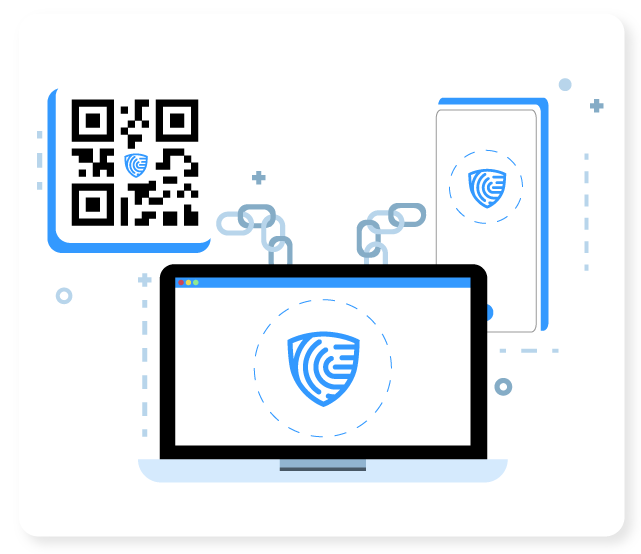
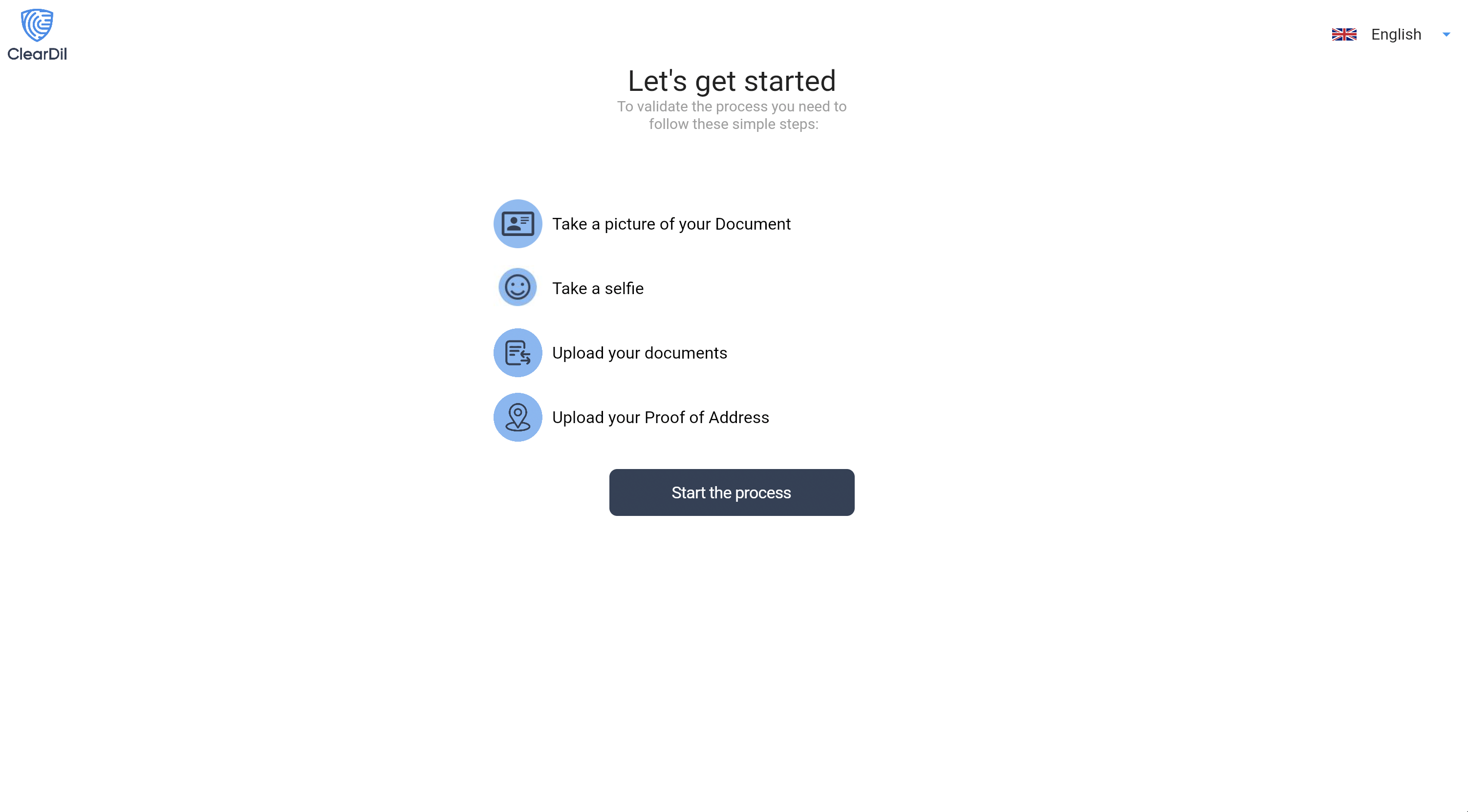
A Verification Flow Link is a unique URL generated in the ClearDil portal for a specific customer and verification flow. Your customer opens the link on any device and completes the checks you configured — such as ID verification, proof of address, biometrics, or AML screening — without downloading an app.

Do I need developers to use the KYC Flow Builder?

No. The KYC Flow Builder runs entirely in the ClearDil web portal. Compliance teams configure verification types, generate a flow link, and send it to customers without writing code or involving engineering.

Can I trigger AML screening when creating a flow link?

Yes. When you generate a Verification Flow Link, you can select the checks and documents required and optionally trigger AML screening at the same time, so screening runs alongside the customer verification flow.

Can I reuse the same link for another customer?

No. Each Verification Flow Link is generated for one customer and one specific flow configuration. Generate a new link for every customer to keep audit trails accurate and prevent data mix-ups.

Where do I see verification results?

Results appear on the customer's profile page in the ClearDil portal as soon as they complete the checks. You can review document verification outcomes, AML match details, and risk profile data from one place.

Book a live demo with our team

See how to design verification flows, generate flow links, and review results on the customer profile — in a 30-minute walkthrough.

Contact our sales team

Start FREE TRIAL now

Our team will be happy to answer your sales questions. Fill out the form and we will contact you as soon as possible and release your trial version so you can confirm that you are in the right place.

  • No credit card required
  • Run 50 free reports
  • Use our suite of verifications and signals
  • Test on mobile and web

Experience it by yourself. Try now!

Prevent fraud, satisfy global compliance, reduce customer acquisition cost, and onboard customers faster.

Book a Demo Contact Us See Plans
Contact ClearDil

5 s

Fast Verification

ANSSI

Certified Document Verification

70 %

Reduce by up to 70% the false positive

3 M pts

Clustered Graph DB